Photoelectric Sensor Guide for Reliable Optical Detection.
Learn how photoelectric sensors work, how to choose through-beam, retro-reflective, diffuse or background suppression types, and what to check before buying for packaging, conveyors and automation machines.
- Through-beam vs retro-reflective vs diffuse
- Background suppression selection
- Target color, surface and transparency
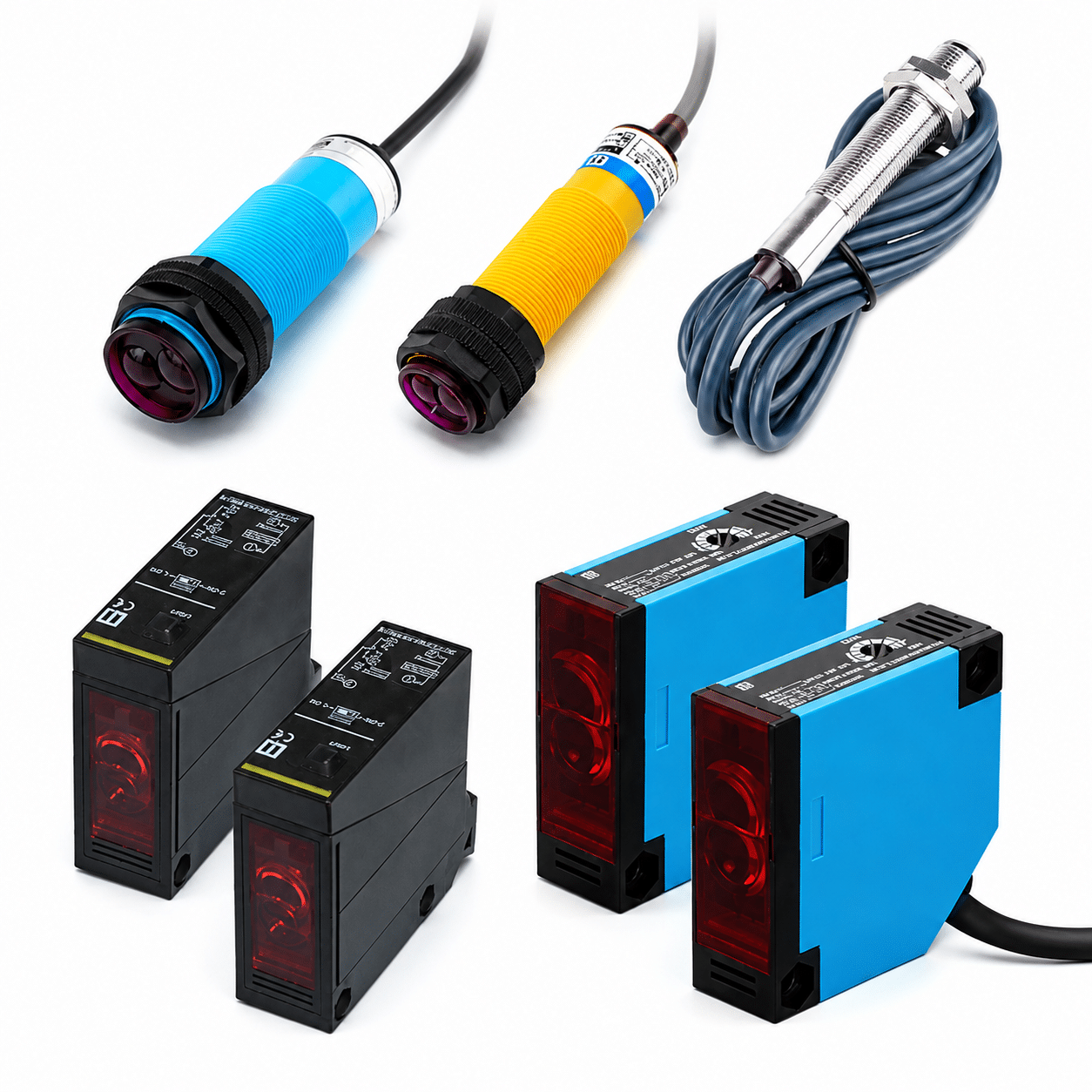
What is a photoelectric sensor?
A photoelectric sensor uses light to detect whether an object is present, absent, passing, positioned correctly or interrupting an optical path. It is widely used when the target is non-metal, moving fast or detected at a longer distance.
- Detects many objects without physical contact.
- Works for packaging, conveyors, assembly and counting tasks.
- Can detect longer distances than many proximity sensors.
- Requires correct selection by target, background and optical layout.
Optical detection
The sensor sends and receives light. The output changes when the target blocks, reflects or changes the received light.
Flexible installation
Different sensing modes support long distance detection, one-side wiring, simple setup or precise slot detection.
How photoelectric sensors work in automation
Photoelectric sensors compare the light they send with the light they receive. The detection result depends on beam interruption, reflection, background distance or a fixed optical slot.
Beam interruption
Through-beam and slot sensors detect when the object blocks the light between emitter and receiver.
Reflected light
Retro-reflective and diffuse sensors detect light returning from a reflector or from the target surface itself.
Distance separation
Background suppression sensors help separate the real target from objects or surfaces behind it.
Types of photoelectric sensors and when to use each one
Choose the sensing mode based on optical path, mounting space, target surface, background and required stability.
| Type | Best For | Key Advantage | Start Here |
|---|---|---|---|
| Through-beam Photoelectric Sensor | Long distance, high stability, fast detection | Strong signal with separated emitter and receiver | Through-beam sensors |
| Retro-reflective Photoelectric Sensor | Conveyors, cartons, bottles and one-side wiring | Sensor and wiring on one side, reflector on the other | Retro-reflective sensors |
| Diffuse Photoelectric Sensor | Simple short to medium range object detection | No separate reflector or receiver required | Diffuse sensors |
| Background Suppression Sensor | Targets in front of nearby or reflective backgrounds | Helps ignore background surfaces behind the target | Background suppression sensors |
| Slot / Groove Photoelectric Sensor | Small parts passing through a fixed gap | Compact fixed optical path with simple alignment | Slot / groove sensors |
| Color Mark Sensor | Printed marks, labels and registration marks | Detects contrast or color mark differences on moving material | Color mark sensors |
Through-beam, retro-reflective or diffuse: which mode fits?
These three modes solve different installation problems. The most stable option is not always the easiest to mount.
Through-beam
Best when long distance and reliable beam interruption matter more than simple installation. Requires emitter and receiver alignment.
Retro-reflective
Best when the sensor must be wired from one side and a reflector can be installed opposite the sensor.
Diffuse
Best for simple short-range detection when the target surface is stable and the background does not create false signals.
Target color, reflectivity and background can change the result
Unlike proximity sensors, photoelectric sensors are affected by light reflection. Target and background conditions should be checked before choosing a model.
| Condition | Risk | Better Direction | What to Send XSZ |
|---|---|---|---|
| Dark or matte target | Weak reflected light and shorter sensing distance | Through-beam, retro-reflective or BGS with testing | Target color, material and working distance |
| Shiny or reflective target | Specular reflection may cause unstable signals | Angle adjustment, polarized retro-reflective or through-beam | Surface photo and mounting direction |
| Transparent bottle or film | Light may pass through the target | Special retro-reflective setup or application testing | Material, thickness, speed and background |
| Nearby background | Sensor may detect the background instead of the target | Background suppression sensor | Target distance and background distance |
| Small fast-moving part | Signal may be too short or weak | Through-beam, slot sensor or fast response model | Part size, pass speed and path tolerance |
Optical alignment is part of the sensor selection
Photoelectric sensors can fail even when the rated distance looks correct. Real stability depends on beam alignment, reflector position, target movement and contamination on the lens.
- Use enough signal margin instead of working at the maximum range.
- Confirm whether the machine allows two-sided mounting or one-sided wiring.
- Check vibration, bracket stability and target path tolerance.
- Protect the lens from dust, oil mist, water and scratches.
- For reflectors, confirm size, angle and clean optical path.
Beam alignment
Small mounting errors can reduce signal strength, especially in long-distance or narrow beam applications.
Lens condition
Dust, oil, water drops and scratches can reduce light transmission and cause missed detection.
Do not forget the electrical side of optical detection
After choosing the sensing mode, confirm that the output signal matches your controller, machine speed and wiring method.
PLC input matching
Confirm whether the controller input requires NPN or PNP output before finalizing the sensor model.
Output action logic
Choose whether the output switches when light is received or when the light beam is blocked.
High-speed detection
For counting, small parts or fast conveyors, response speed can be as important as sensing distance.
How to choose a photoelectric sensor step by step
Use this order when comparing models. It keeps the decision focused on the real target and machine layout.
Define the target
Size, color, transparency, surface, speed and movement tolerance.
Choose optical mode
Through-beam, retro-reflective, diffuse, BGS, slot or color mark.
Match the machine
Distance, alignment, output, wiring, response speed and environment.
Common photoelectric sensor selection mistakes
Most unstable optical detection comes from choosing the mode before checking the real target, background and installation environment.
Ignoring target color and surface
Black, glossy, transparent or uneven surfaces can reduce or distort the reflected signal.
Not checking background
Reflective conveyors, metal panels or nearby machine parts can cause false detection behind the target.
Wrong output action
Light-on, dark-on, NPN, PNP and response time must match the machine control logic.
Where photoelectric sensors are commonly used
Photoelectric sensors are especially useful for non-contact optical detection across packaging, conveyors, assembly and material handling.
How to diagnose common photoelectric sensor problems
When the signal is unstable, check the optical path first before replacing the sensor.
| Symptom | Possible Cause | First Check | Likely Fix |
|---|---|---|---|
| No detection | No power, wrong wiring, poor alignment or target out of range | Indicator, voltage, beam alignment and output type | Correct wiring, align sensor or choose suitable mode |
| False triggering | Background reflection, shiny target, ambient light or vibration | Background distance, target surface and bracket stability | Use BGS, adjust angle, shield light or improve mounting |
| Missed fast objects | Response time too slow or target too small | Object speed, size and controller input timing | Use faster model, through-beam or slot sensor |
| Signal weak after running | Lens contamination, dust, oil mist, water or reflector dirt | Clean lens and reflector, check protection method | Add cleaning plan, cover or different housing option |
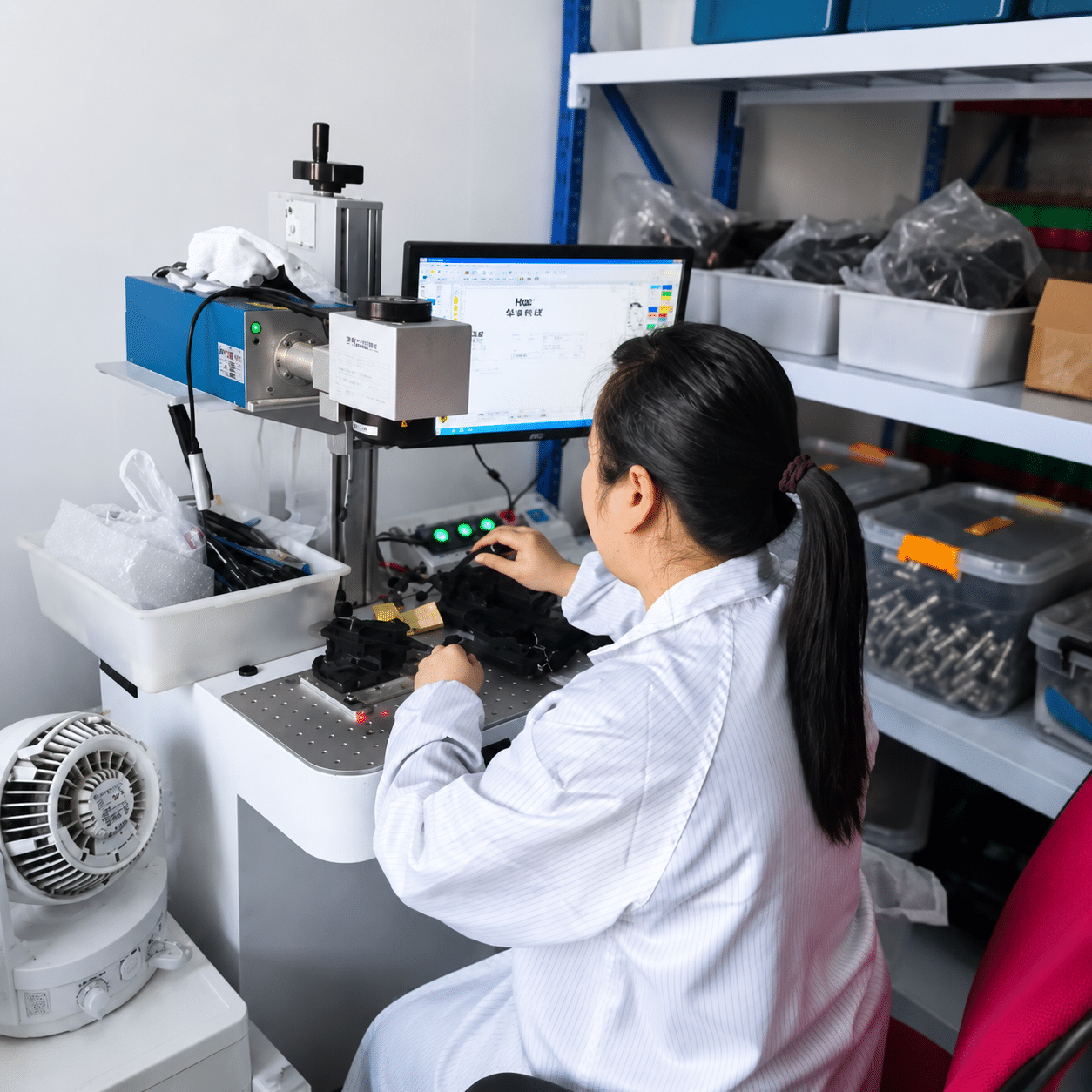
Send these details for faster photoelectric sensor recommendation
If you are unsure which optical sensing mode fits your machine, send XSZ the real target and installation information before ordering.
Compare photoelectric sensor series
After reading the guide, move to the related product series and choose by optical mode, target, background and installation layout.