Proximity Sensor Guide for Industrial Automation Buyers.
Learn how proximity sensors work, when to choose inductive or capacitive types, how sensing distance is affected, and what to check before ordering for a machine project.
- Inductive vs capacitive selection
- Sensing distance and target material
- NPN, PNP, NO and NC outputs
- Installation and troubleshooting

What is a proximity sensor?
A proximity sensor detects a target without physical contact. In automation, it provides an electrical signal when a part, tool, cylinder, package, liquid level or machine position reaches the sensing area.
- Reduces mechanical wear because the target does not touch the sensor.
- Provides repeatable position or presence feedback for PLC control.
- Works in compact machines, fixtures, conveyors and production lines.
- Requires correct selection by target material, distance and output.
Non-contact signal
The sensor detects the target before contact, which is useful for speed, wear reduction and repeatability.
PLC-ready output
The final signal can be matched to NPN, PNP, normally open or normally closed machine inputs.
How proximity sensors work in simple terms
Different proximity sensors use different physical principles. Understanding the principle helps explain why one sensor detects metal well, while another is better for liquid or plastic.
Inductive principle
Inductive sensors create an electromagnetic field and detect metal targets that change this field near the sensing face.
Capacitive principle
Capacitive sensors detect changes in capacitance, making them useful for some non-metal materials, powders, granules and liquid level tasks.
Signal output
After the target is detected, the sensor switches or sends an output signal that the controller can use for automation logic.
Types of proximity sensors and when to use each one
Do not choose by price or diameter alone. Start with what the sensor must detect and what problem the machine is trying to solve.
| Type | Detects Best | Typical Use | Start Here |
|---|---|---|---|
| Inductive Proximity Sensor | Metal targets | Machine position, tooling, metal parts, cylinders, fixtures | Inductive sensors |
| Capacitive Proximity Sensor | Some non-metal materials, liquids and powders | Level detection, cartons, plastic, glass, bulk material | Capacitive sensors |
| Analog Proximity Sensor | Distance or position changes | Process feedback, position monitoring and distance trend output | Analog sensors |
| Ring Proximity Sensor | Small metal parts passing through a ring | Counting screws, nuts, washers, pins and feeding parts | Ring sensors |
| Long-distance Proximity Sensor | Targets needing more sensing margin | Hard mounting positions, larger gaps and vibration tolerance | Long-distance sensors |
| High-temperature Proximity Sensor | Targets near heat sources | Ovens, metal processing, hot tooling and harsh zones | High-temperature sensors |
Inductive vs capacitive proximity sensors
This is the most common selection question. The short answer: use inductive for metal targets; consider capacitive for non-metal materials, liquids or level detection.
Best for metal detection
Stable for iron, steel, aluminum, brass and other metal targets. Less affected by target color, dust and many surface conditions.
Useful for non-metal and level tasks
Can detect some plastics, glass, liquids, powders and granules, but usually needs careful sensitivity adjustment and environment review.
Material mismatch causes failure
An inductive sensor will not reliably detect non-metal targets. A capacitive sensor may false trigger if the environment or sensitivity is not controlled.
Choose the sensor based on what the target is made of
Target material affects sensing distance, signal stability and whether the sensor can detect the object at all.
| Target | Recommended Direction | Important Check | Common Mistake |
|---|---|---|---|
| Iron or steel | Inductive proximity sensor | Rated distance, mounting type and housing size | Ignoring vibration and sensing margin |
| Aluminum, brass or copper | Inductive sensor with margin review | Non-ferrous metals may reduce effective sensing distance | Using catalog distance as real working distance |
| Plastic, glass or carton | Capacitive sensor or photoelectric sensor | Thickness, background, humidity and sensitivity | Expecting inductive detection to work |
| Liquid or powder level | Capacitive sensor | Container wall, material buildup and sensitivity drift | Not testing with real material and container |
| Tiny metal parts | Ring proximity sensor or small inductive sensor | Part size, speed, feeding path and hole diameter | Using a normal sensor where the part path varies |
Rated sensing distance is not always usable working distance
Catalog distance is measured under defined conditions. Real applications may need more margin because target size, metal type, mounting style and vibration can reduce reliable detection.
- Use extra sensing margin instead of installing at the maximum distance.
- Check flush or non-flush mounting requirements before drilling a bracket.
- Review nearby metal, side approach and target movement tolerance.
- Consider long-distance types if the machine cannot mount close enough.
- For high speed machines, confirm response time as well as distance.
Sensing margin
Install within a stable range so vibration, tolerance and target variation do not cause intermittent signals.
Mounting style
Flush and non-flush sensors have different installation rules, especially when metal surrounds the sensing face.
Confirm output type before placing an order
A proximity sensor can detect correctly but still fail in the machine if the wiring and output type do not match the PLC input.
Controller input matching
NPN and PNP describe how the sensor output switches. Confirm the controller input type before selecting the model.
Signal state logic
Normally open and normally closed decide whether the output changes when the target is detected or absent.
Installation and maintenance
Confirm cable length, connector type, pinout and machine routing before finalizing repeat orders.
How to choose a proximity sensor step by step
Use this order when comparing models. It helps avoid choosing by diameter or price before the application requirement is clear.
Define the target
Material, size, surface, speed, position tolerance and approach direction.
Choose the type
Inductive, capacitive, analog, ring, long-distance or high-temperature.
Match the machine
Distance, housing, thread size, cable, voltage, output and environment.
Common proximity sensor selection mistakes
Most unstable proximity sensor applications are caused by material mismatch, insufficient sensing margin, wrong output or uncontrolled installation conditions.
Using rated distance as real distance
Install with margin. Target material, size, mounting and vibration can reduce reliable working distance.
Wrong target material
Inductive sensors are for metal. Non-metal targets usually need capacitive, photoelectric or fiber optic options.
Wrong output logic
Confirm NPN/PNP and NO/NC before wiring. Output mismatch can look like sensor failure.
Where proximity sensors are commonly used
Proximity sensors are selected because they provide durable non-contact detection in repetitive industrial automation tasks.
How to diagnose common proximity sensor problems
When a proximity sensor does not behave as expected, check the problem by symptom instead of replacing the sensor immediately.
| Symptom | Possible Cause | First Check | Likely Fix |
|---|---|---|---|
| No output | No power, wrong wiring, wrong NPN/PNP, target out of range | Indicator light, voltage and wiring diagram | Correct wiring or choose matching output |
| Intermittent signal | Distance too close to limit, vibration or target tolerance | Move target closer and check bracket stability | Add sensing margin or use long-distance type |
| False triggering | Nearby metal, sensitivity issue, cable interference or environment | Check nearby metal and cable route | Adjust mounting, shielding or sensor type |
| Works in test but fails in production | Real target differs from sample, speed changes or heat/dust appears | Test with real material and production speed | Recheck target, environment and response time |
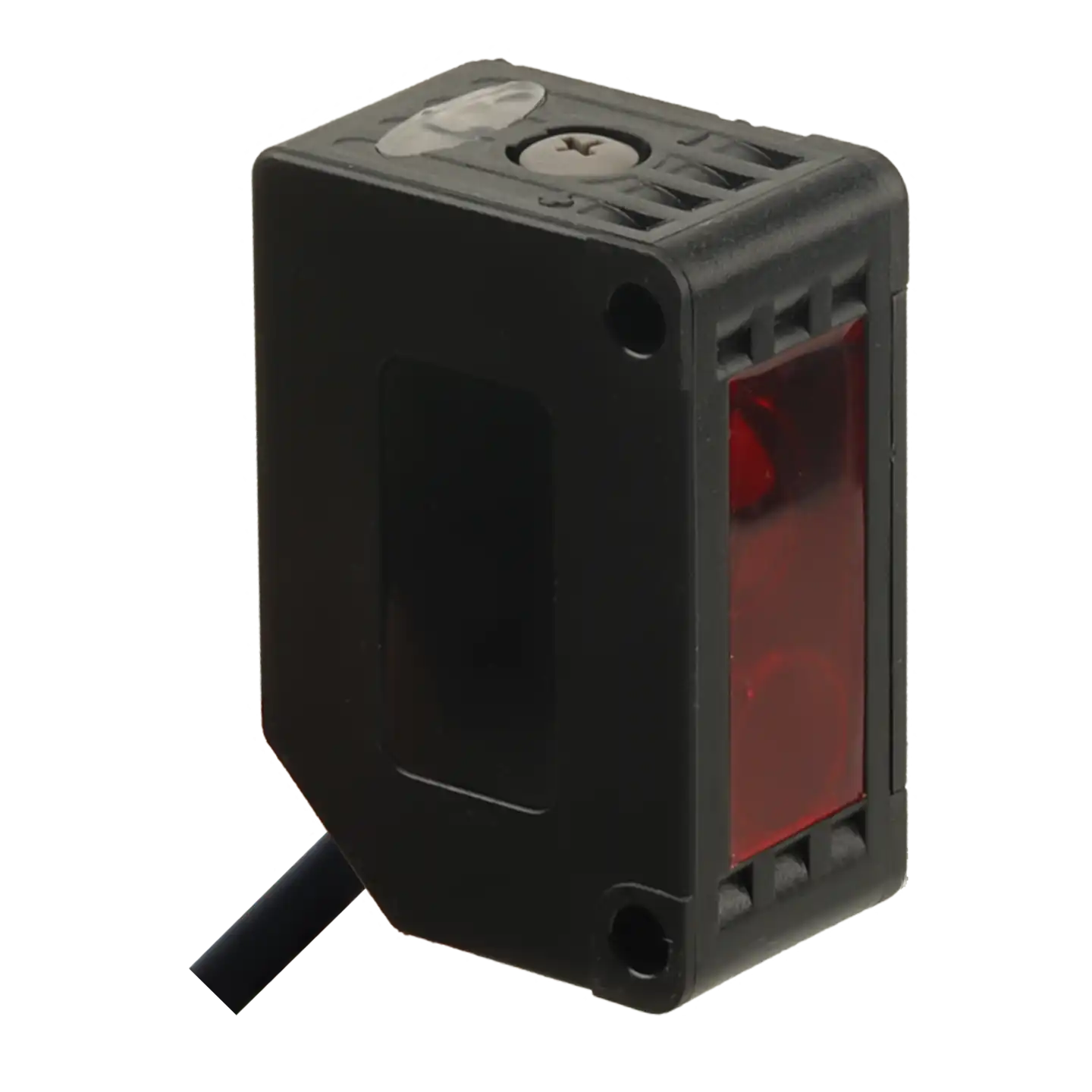
Send these details for faster model recommendation
If you are unsure which proximity sensor fits your machine, send XSZ the application details before ordering. This helps avoid wrong sensing distance, output mismatch and mounting problems.
Compare proximity sensor series
After reading the guide, move to the related product series and choose by target, distance, mounting space and output.